How to Use ChatGPT for Studying (Complete Student Guide)
Discover how students can use ChatGPT to study smarter, improve writing, summarize notes, prepare for exams, and boost productivity while using AI responsibly.
Quick Facts
- Category: Tutorials
- Best For: Students
- Difficulty: Beginner
- Reading Time: 8 Minutes
- Updated: 2026
Who Should Read This Guide?
This guide is designed for:
- High school students
- College and university students
- Online learners
- Teachers introducing AI in education
- Anyone who wants to use ChatGPT as a study assistant
Whether you’re preparing for exams, writing essays, summarizing lecture notes, or learning a new subject, ChatGPT can become a valuable learning companion when used correctly.
If you’re looking for more AI-powered learning solutions, explore our guide to Best AI Tools for Students. You can also discover additional writing assistants in our AI Writing resource.What Is ChatGPT?
ChatGPT is an AI-powered conversational assistant developed by OpenAI that helps users generate text, answer questions, explain concepts, summarize information, brainstorm ideas, and solve problems through natural language conversations.
For students, ChatGPT acts like a personal study partner. It can explain difficult topics in simple language, create study plans, generate quiz questions, review essays, and help organize learning materials.
However, ChatGPT works best when it’s used to support learning rather than replace independent thinking. Students should always verify important information and follow their school’s academic integrity policies.
Why Do Students Use ChatGPT?
Students use ChatGPT because it can save time while making studying more interactive and personalized. Instead of searching through multiple websites, students can ask direct questions and receive easy-to-understand explanations within seconds.
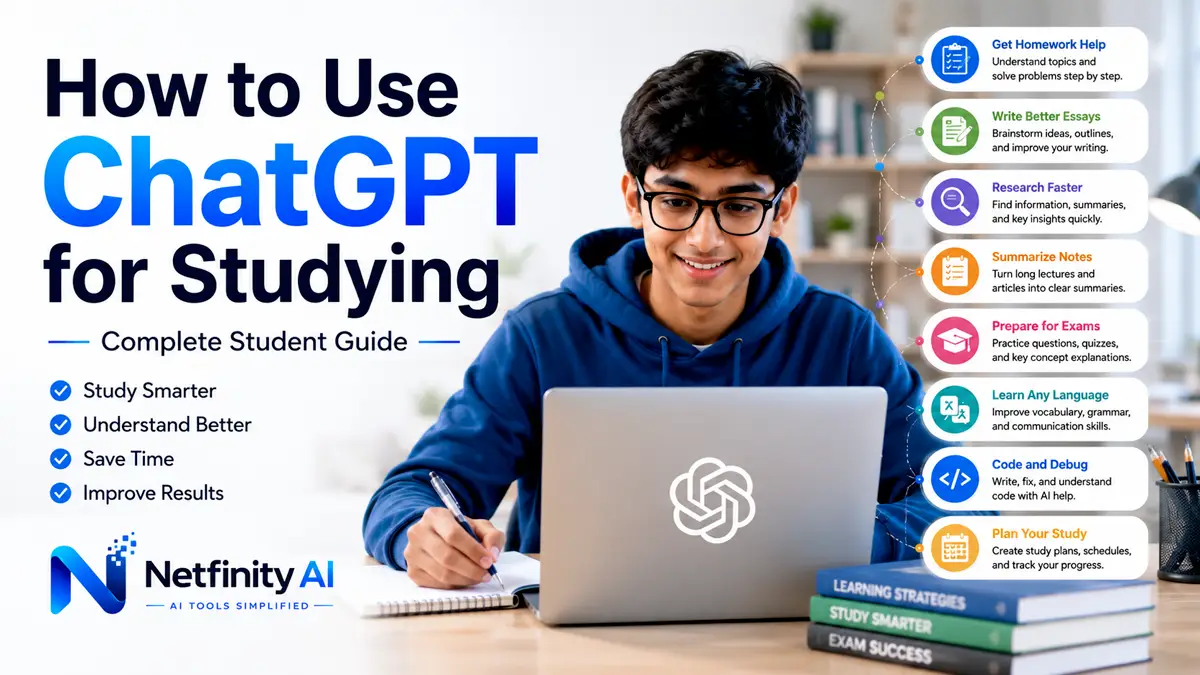
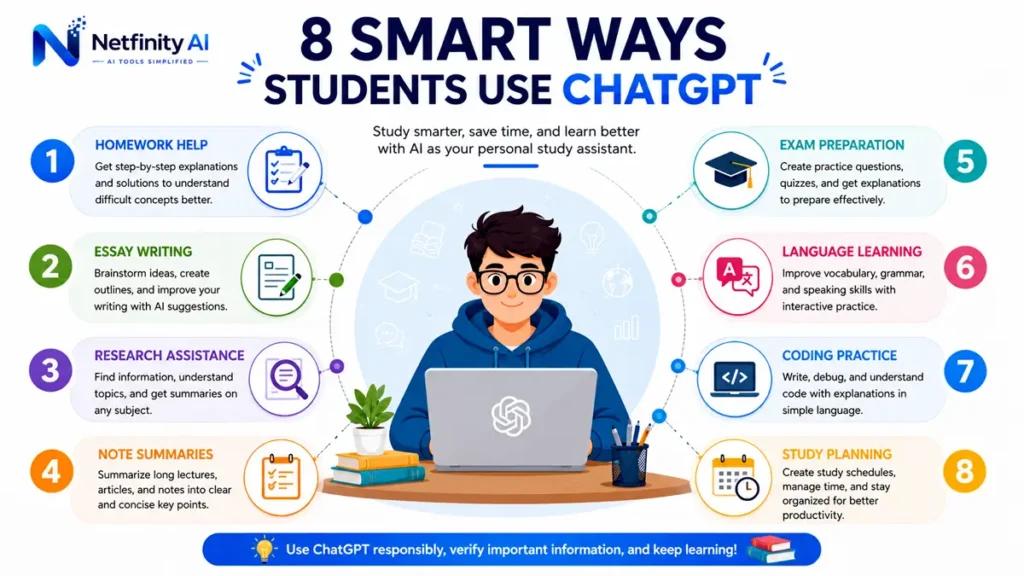
Common ways students use ChatGPT include:
- Understanding complex subjects
- Brainstorming essay ideas
- Summarizing lecture notes
- Creating study plans
- Practicing interview questions
- Learning programming concepts
- Improving grammar and writing
- Preparing for exams
How to Use ChatGPT for Studying: Step-by-Step Guide
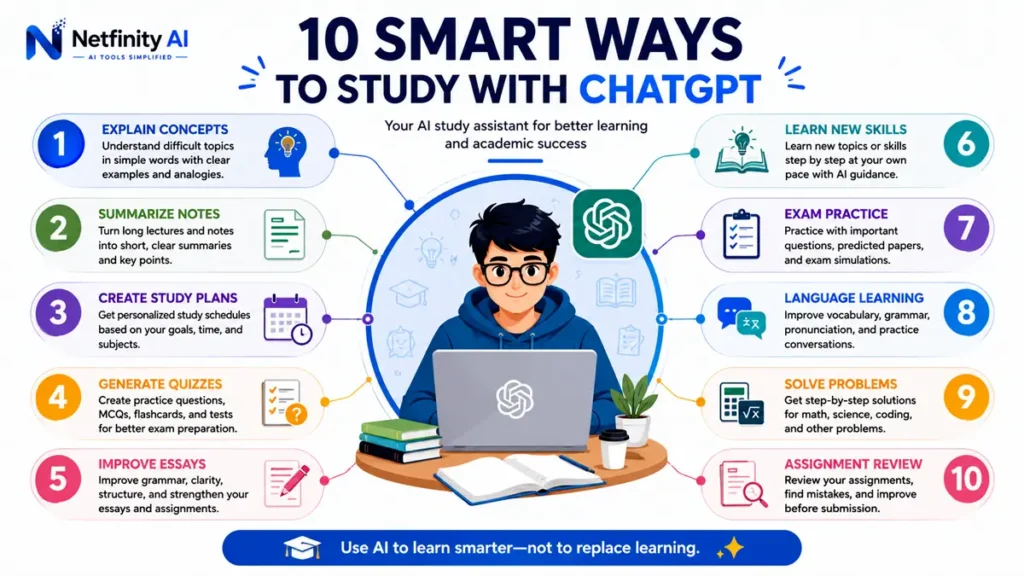
ChatGPT is most effective when it’s used as a learning assistant rather than a shortcut for completing assignments. Follow these practical steps to improve your study sessions while building a deeper understanding of every subject.
Step 1: Understand Difficult Concepts
Instead of searching multiple websites, ask ChatGPT to explain confusing topics in simple language.
Example Prompt
Explain photosynthesis like I'm a 15-year-old student.You can also ask ChatGPT to provide real-life examples or compare two concepts side by side.
Step 2: Summarize Long Notes
Large chapters can feel overwhelming before exams.
Paste your notes into ChatGPT and ask for concise summaries highlighting the most important ideas.
Example Prompt
Summarize these lecture notes into 10 key points.This method works especially well for history, biology, business studies, psychology, and literature.
If you regularly organize digital notes, check out our guide to Best AI Productivity Tools for more note-taking and organization apps.Step 3: Create a Personalized Study Plan
A structured study schedule helps reduce stress and improves consistency.
Instead of creating one manually, ask ChatGPT to generate a timetable based on your available hours.
Example Prompt
Create a 7-day study plan for my mathematics exam. I can study 3 hours every evening.You can request:
- Daily goals
- Break schedules
- Revision sessions
- Practice tests
Step 4: Practice with Quiz Questions
Testing yourself is one of the most effective ways to retain information.
Ask ChatGPT to generate quizzes based on your study material.
Example Prompt
Create 20 multiple-choice questions about World War II with answers.You can also request:
- True or False
- Fill in the blanks
- Short-answer questions
- Flashcards
Step 5: Improve Essay Writing
ChatGPT can help improve writing quality without writing the entire essay for you.
Use it to:
- Brainstorm ideas
- Build outlines
- Improve grammar
- Rewrite awkward sentences
- Strengthen introductions and conclusions
Example Prompt
Review my essay and suggest ways to improve clarity without changing my ideas.Step 6: Learn New Topics Faster
When learning something new, ask ChatGPT to explain concepts gradually instead of overwhelming you with technical language.
Example Prompt
Teach me Python programming from beginner to advanced, one lesson at a time.This works well for:
- Programming
- Mathematics
- Economics
- Science
- Languages
Step 7: Prepare for Exams
Instead of simply reading textbooks, turn ChatGPT into your personal exam coach.
Ask it to:
- Predict possible questions
- Explain difficult answers
- Create revision checklists
- Simulate oral exams
Example Prompt
Act as my exam teacher and ask me difficult biology questions one by one.Step 8: Learn Languages
ChatGPT is an excellent conversation partner.
It can:
- Correct grammar
- Explain vocabulary
- Practice conversations
- Translate difficult phrases
Example Prompt
Let's practice English conversation. Correct my grammar after every reply.Step 9: Solve Problems Step by Step
Instead of requesting the final answer, ask ChatGPT to explain the complete solution.
Example Prompt
Show me how to solve this algebra problem step by step without giving the final answer first.Learning the process is far more valuable than copying the answer.
Step 10: Review Before Submission
Before submitting assignments, ask ChatGPT to act as a teacher.
Example Prompt
Review this assignment using a teacher's perspective and suggest improvements.It can help identify:
- Grammar mistakes
- Weak arguments
- Missing evidence
- Formatting issues
- Readability improvements
Best Practices for Using ChatGPT as a Student
To get the best results, follow these simple practices:
- Ask clear and specific questions.
- Break complex topics into smaller parts.
- Verify important facts using reliable academic sources.
- Use ChatGPT to understand concepts rather than copy assignments.
- Edit and personalize AI-generated suggestions before submitting your work.
- Combine ChatGPT with textbooks, lectures, and classroom discussions for balanced learning.
Common Mistakes Students Should Avoid
Many students misuse AI by expecting it to do all the work. Avoid these common mistakes:
- Copying AI responses without understanding them.
- Using outdated or unverified information.
- Submitting AI-generated assignments without editing.
- Depending on ChatGPT instead of developing critical thinking skills.
- Ignoring your school’s academic integrity policies.
Remember, ChatGPT should support your learning—not replace it.
Can Students Use ChatGPT Without Cheating?
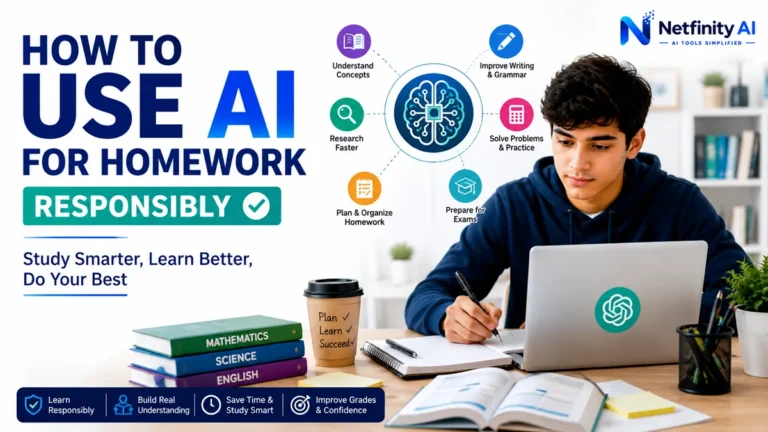
Yes—students can use ChatGPT responsibly without cheating.
Like a calculator or a search engine, ChatGPT is a tool. Whether using it is appropriate depends on how you use it and the academic policies of your school or university.
Responsible ways to use ChatGPT include:
- Understanding difficult concepts
- Brainstorming essay ideas
- Creating study plans
- Summarizing lecture notes
- Practicing quizzes
- Improving grammar and writing
- Learning programming concepts
- Preparing for interviews and presentations
However, students should avoid submitting AI-generated assignments as their own work or using ChatGPT during exams when it is not allowed.
The goal is to learn with AI—not let AI learn for you.
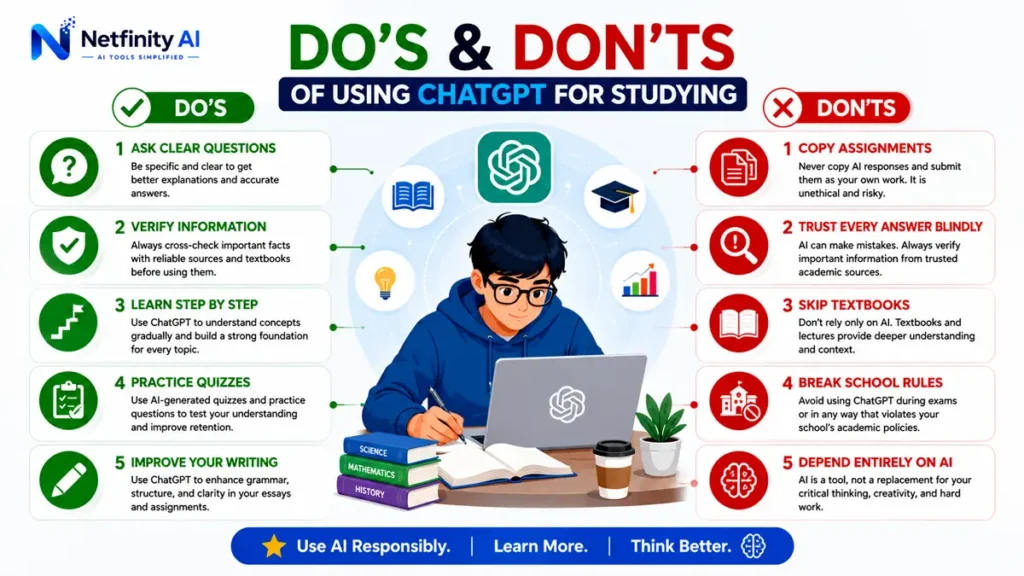
Do’s and Don’ts of Using ChatGPT for Studying
✅ Do | ❌ Don’t |
|---|---|
| Ask clear questions | Copy answers directly |
| Verify important facts | Depend entirely on AI |
| Learn step by step | Skip textbooks completely |
| Edit AI suggestions | Submit AI text without checking |
| Practice quizzes | Use AI where it’s prohibited |
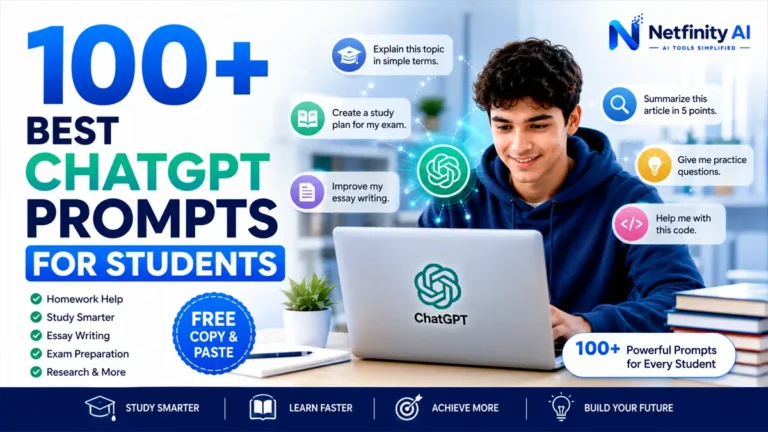
Best ChatGPT Prompts for Students
Here are some ready-to-use prompts that can make your study sessions more productive.
Explain a Difficult Topic
Explain [topic] like I'm a beginner using simple examples.Create a Study Plan
Create a 7-day study plan for my [subject] exam.Summarize Notes
Summarize these lecture notes into 10 key points.Practice Quiz
Generate 20 multiple-choice questions about [topic] with answers.Improve Writing
Review this essay and suggest improvements for grammar, clarity, and structure without changing my original ideas.Learn Programming
Teach me Python one lesson at a time with practical exercises.Language Practice
Let's practice English conversation. Correct my grammar after each reply.Interview Preparation
Ask me interview questions for a junior software developer position and provide feedback on my answers.Frequently Asked Questions
Is ChatGPT good for studying?
Yes. ChatGPT can explain concepts, summarize notes, create quizzes, and help students organize their learning. It works best as a study assistant rather than a replacement for independent learning.
Can teachers detect ChatGPT?
Some schools use AI-detection tools, but no detector is perfectly accurate. The best approach is to use ChatGPT responsibly—for learning, brainstorming, and improving your own work.
Can ChatGPT solve math problems?
Yes. It can explain mathematical concepts and show step-by-step solutions. Always verify calculations, especially for advanced topics.
Is ChatGPT free for students?
ChatGPT offers a free version, while paid plans provide additional features and access to more advanced AI models.
Can ChatGPT help with homework?
Yes, but it should guide your understanding rather than complete assignments for you. Always follow your school’s academic integrity rules.
Looking for an alternative designed for studying from PDFs and lecture notes? See our ChatGPT vs Google NotebookLM guide.
Final Thoughts
ChatGPT has become one of the most valuable AI tools for modern students. Whether you’re preparing for exams, improving your writing, learning a new skill, or organizing your study schedule, it can save time and make learning more interactive.
The most successful students don’t use ChatGPT to avoid studying—they use it to study more effectively. Ask better questions, verify information, and combine AI with textbooks, lectures, and your own critical thinking.
If you’re looking for more AI-powered learning resources, explore our guides to Best AI Tools for Students, Best AI Productivity Tools, and AI Writing Tools.Continue Your AI Learning Journey
Discover more practical AI tools, tutorials, comparisons, and productivity guides designed to help students, professionals, and creators work smarter.
Explore AI Tools →